
Getting Started with OpenClaw + BeReach
Set up your autonomous LinkedIn outreach agent in under 30 minutes. From server to first leads.
Hi, I'm Alexandre, co-founder of BeReach.
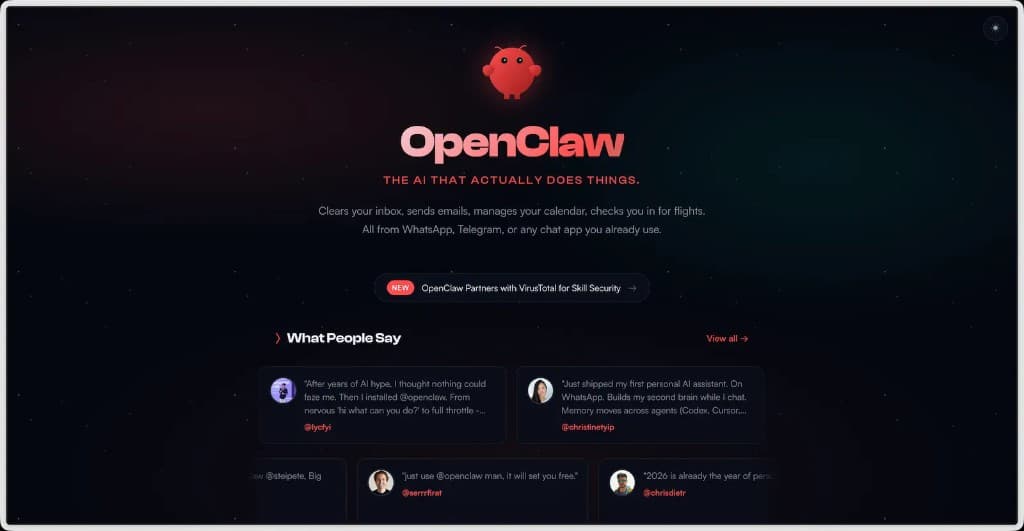
BeReach is a plugin that allows OpenClaw to interact with LinkedIn to automate your sales prospecting.
Let's get down to business.
What is OpenClaw?
Important
OpenClaw does not run on your computer — everything is on a Hostinger VPS. Access is secured by a Gateway token. LinkedIn actions use the BeReach API, which protects your account.
OpenClaw is an autonomous AI assistant that runs on your own server 24 hours a day.
Imagine a virtual salesperson who can:
- Send LinkedIn messages on your behalf
- Comment on and like posts automatically
- Manage your prospecting while you sleep
- Send you reports on Discord or Telegram
Unlike ChatGPT, which you have to restart every time, OpenClaw runs continuously. You give it a task, and it takes care of it.
What is BeReach?
BeReach is the tool that connects OpenClaw to LinkedIn. Without BeReach, your assistant is smart but can't act on LinkedIn.
With BeReach, it can:
- Search for profiles and posts in your niche
- Visit profiles (they see that you've been there)
- Send personalized connection requests
- Send messages and comment on posts
- Like comments and posts
All via a simple API. No need to click — everything is automated.

Step 1 — Install OpenClaw on Hostinger
Your assistant needs a place to live. We'll rent a small server.
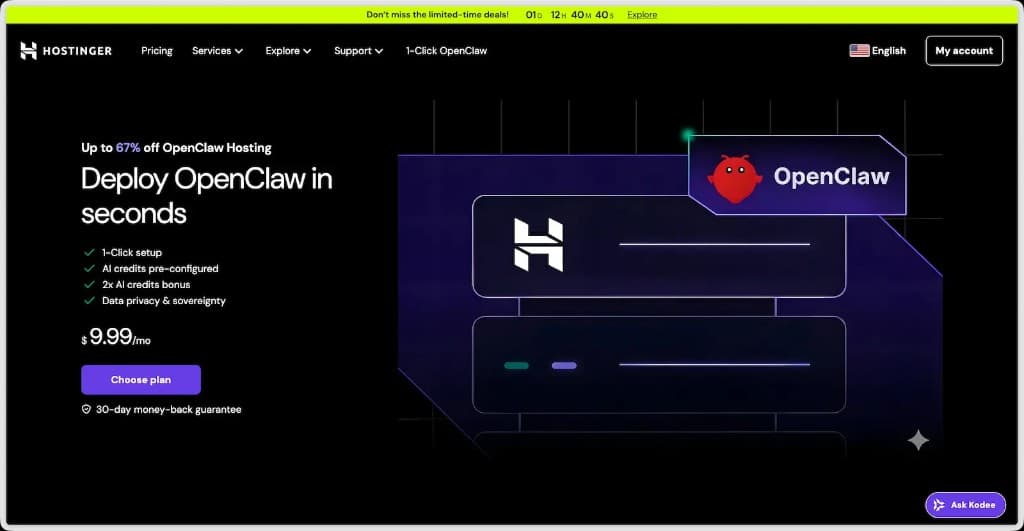
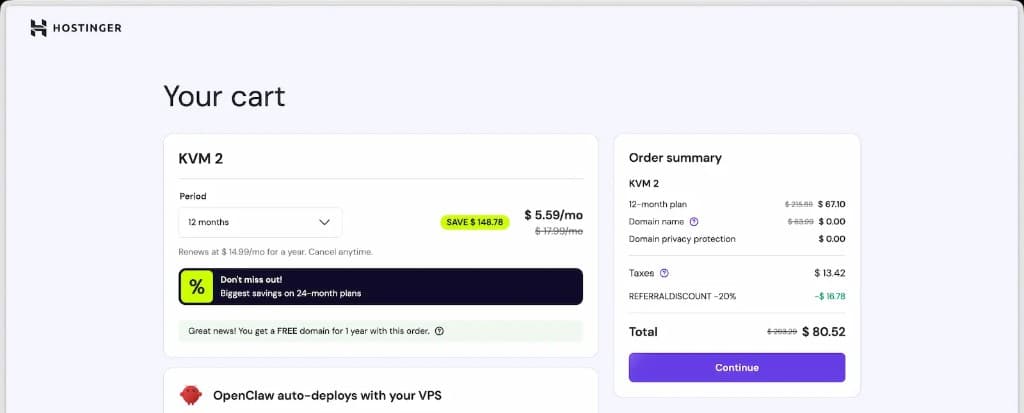
- Go to hostinger.fr (you'll get 20% off with this link)
- Choose the KVM 2 plan (starting at ~$6/month — more than enough)
Step 2 — Create your OpenClaw instance
Navigate in Hostinger:
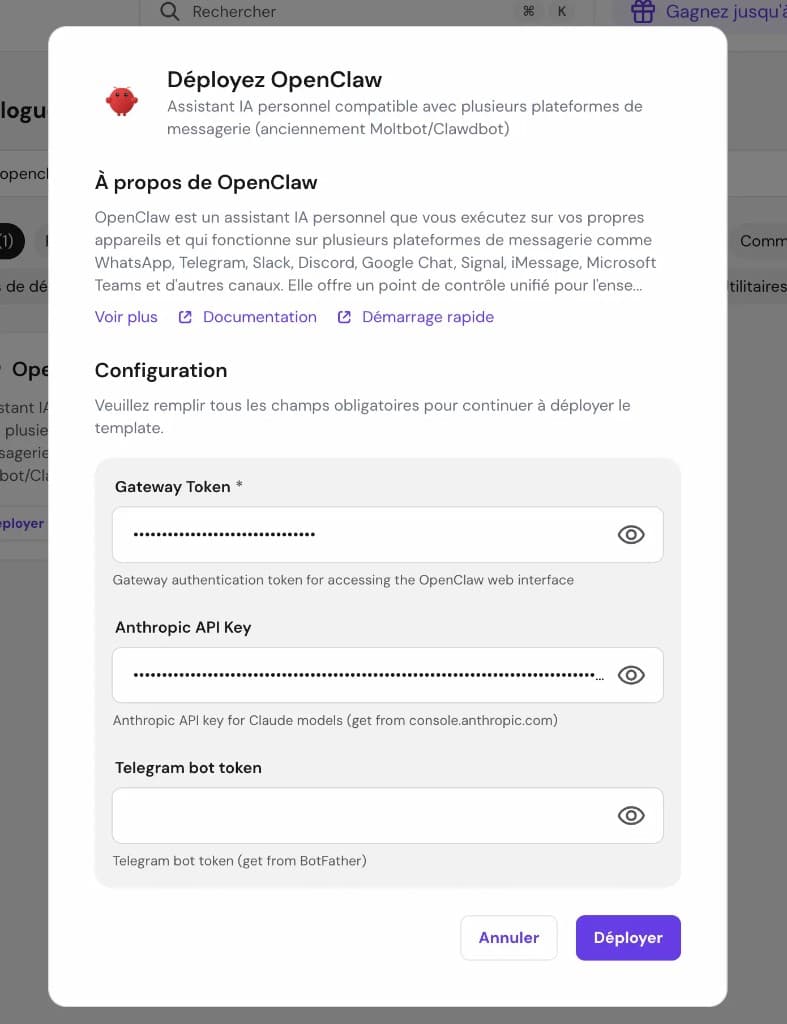
VPS → Docker Manager → Compose → Deploy in 1-click → Search "OpenClaw" → Deploy
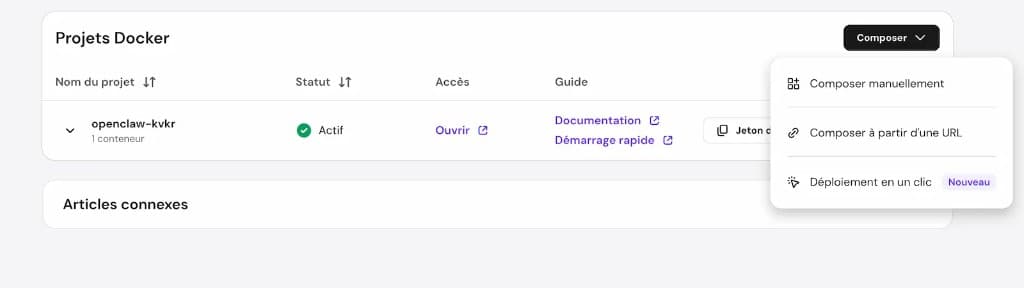
Paste your Claude token in the Anthropic API Key field, then click Deploy.
Getting an 'error https...' when opening the chat?
You need to install Traefik first — it handles HTTPS for your server. Go back to the 1-click deploy menu:
VPS → Docker Manager → Compose → Deploy in 1-click → Search "Traefik" → Deploy
Once Traefik is running, restart your OpenClaw container and the chat will load properly.