

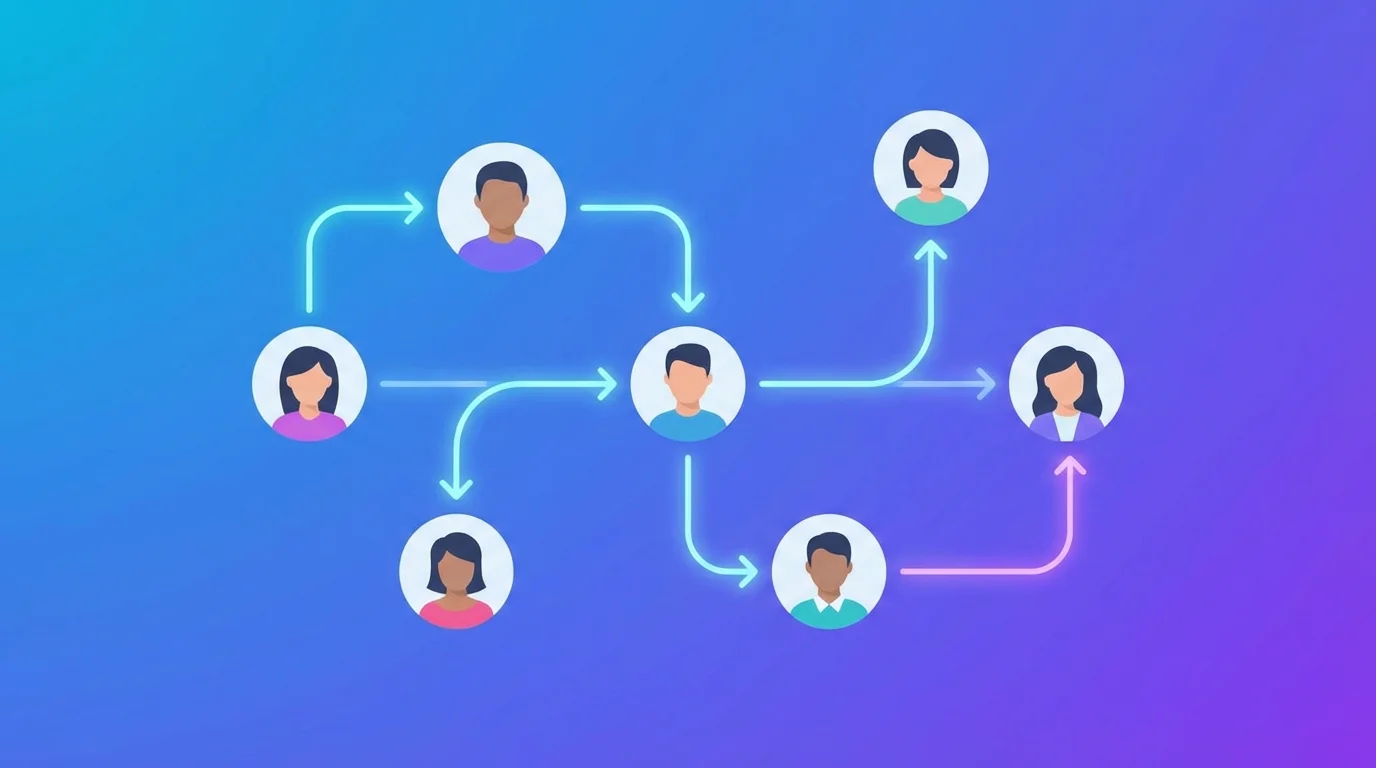
Why LinkedIn Outreach Automation matters in 2026
LinkedIn has over 1 billion members. Your next customer is on there — scrolling, posting, commenting. But reaching them manually? That's a full-time job.
The average sales rep spends 4+ hours per day on manual prospecting: visiting profiles, sending connection requests, writing messages, following up. That's time not spent closing deals.
Outreach automation solves this by handling the repetitive parts — profile visits, connection requests, personalized messaging — while you focus on conversations that actually convert.
But here's the catch: LinkedIn actively bans accounts that use automation poorly. The key is doing it right.
How LinkedIn Outreach Automation Works
At its core, LinkedIn automation follows a simple workflow:
- Signal detection — Find prospects through post engagement (likes, comments), search results, or targeted lists
- Profile enrichment — Visit profiles to extract company, headline, location, and connection degree
- Connection request — Send a request (without a note — they convert better)
- Warm-up messaging — Once connected, send a personalized icebreaker based on their activity
- Follow-up sequences — Automated reminders if they don't reply
The difference between getting banned and getting results comes down to pacing, personalization, and signals.
The Signal-Based Approach: Why It Wins
Traditional outreach: spray-and-pray. Import a CSV, blast 200 connection requests, hope for the best.
Signal-based outreach: engage with people who are already showing intent.
Here's what that looks like:
- Someone comments on a post about marketing attribution → they care about tracking → perfect prospect for a tracking tool
- Someone likes a post about lead generation → they're thinking about growth → relevant for an outreach tool
- Someone posts about a pain point you solve → they're actively looking → highest-intent prospect
This approach yields 60-70% acceptance rates compared to 20-30% for cold outreach. Why? Because you're reaching out to people with context, not strangers.
Key Features to Look For in a LinkedIn Automation Tool
Not all automation tools are equal. Here's what separates the good from the risky:
1. Rate Limit Awareness
LinkedIn has daily limits: ~80 connection requests/day, ~150 messages/day. Good tools enforce these limits automatically so you never exceed them.
2. Campaign Deduplication
You never want to message the same person twice in the same campaign. Look for built-in dedup with campaign/action tracking.
3. API-Based vs. Browser Automation
Browser automation (Selenium, Puppeteer) mimics a human clicking through LinkedIn. It's slower, more fragile, and easier to detect.
API-based automation uses LinkedIn's internal APIs directly. It's faster, more reliable, and when done correctly with proper rate limiting, much safer.
4. Engagement Scraping
The ability to collect likes and comments from any LinkedIn post is essential for signal-based outreach. This lets you build prospect lists from competitors' posts, industry discussions, or your own content.
5. Personalization at Scale
Templates are dead. Every message should reference something specific: the prospect's headline, their recent post, or the context of how you found them.
6. Integration with AI Agents
In 2026, the best outreach tools aren't operated by clicking buttons in a dashboard. They're API-first, designed to be driven by AI agents that can research, personalize, and execute entire workflows autonomously.
Building a LinkedIn Outreach Workflow: Step by Step
Here's a complete workflow you can implement today:
Step 1: Find Signal Posts
Search LinkedIn for posts related to your target keywords. Look for posts with high engagement (50+ likes, 10+ comments) — these are gold mines of prospects.
Keywords to search:
- "[your product category] challenges"
- "[competitor name] alternative"
- "looking for [solution type]"
Step 2: Scrape Engagement
For each signal post, collect:
- Commenters — highest intent (they engaged deeply)
- Likers — medium intent (they showed interest)
Build a unified prospect list, deduplicated by profile URL.
Step 3: Enrich and Filter
Visit each profile to extract:
- Headline and company (is this your ICP?)
- Connection degree (1st, 2nd, 3rd)
- Location (language matching for personalized messages)
Filter out:
- Profiles outside your ICP
- Profiles you're already connected with
- Your own profile
Step 4: Connect
Send connection requests with proper pacing:
- Max 80/day, spread across business hours
- No connection note — counterintuitive, but notes reduce acceptance rates by 10-15%
- Visit before connecting — makes the interaction look natural
Step 5: Message on Accept
When someone accepts your connection:
- Send a personalized icebreaker within 24 hours
- Reference the post where you found them or their headline
- Ask a question — don't pitch immediately
- Adapt language (French for French profiles, English otherwise)
Step 6: Track and Iterate
Log every action: who you visited, connected with, messaged. Track acceptance rates and reply rates by campaign. Double down on what works.
How BeReach Powers This Workflow
BeReach is built specifically for signal-based LinkedIn outreach. It's API-first, meaning every action can be automated through simple HTTP calls — perfect for integration with AI agents like OpenClaw.
Here's what makes it different:
- Post engagement scraping — Collect likes and comments from any LinkedIn post, paginated for large datasets
- Search posts — Find posts by keyword to discover new signal sources
- Profile visits — Visit and enrich profiles with contact data, connection degree, and pending request status
- Connection requests — Built-in weekly dedup and rate limiting (~80/day, ~400/week)
- Messaging — Send DMs with campaign dedup (never double-message)
- Comment replies and likes — Engage with commenters directly on posts
- Campaign tracking — Pre-check completed actions with the filter endpoint, avoiding wasted API calls
All of this through a clean REST API with a single auth token. No browser extension clicking, no Selenium headaches.
Example: Automated Post Engagement Pipeline
1. Search for posts matching "marketing attribution"
2. For each post with 50+ likes:
   a. Collect all commenters
   b. Collect all likers
   c. For each prospect:
      - Visit profile (extract data)
      - Send connection request
      - Reply to their comment with a personalized message
3. When connections are accepted:
   - Send a warm icebreaker
4. Track everything in a JSON file for dedup
This entire flow can run on autopilot, triggered daily by an AI agent or a cron job.
Common Mistakes to Avoid
❌ Sending 200+ connection requests per day
LinkedIn will restrict your account within days. Stay under 80/day.
❌ Copy-pasting the same message
LinkedIn's spam detection catches identical messages. Always personalize.
❌ Connecting without visiting first
LinkedIn tracks "natural" behavior patterns. A visit before a connection looks human.
❌ Messaging 3rd-degree connections
You can only DM 1st-degree connections (or InMail, which costs money). Connect first, message second.
❌ Ignoring time zones
Sending messages at 3am local time screams automation. Schedule during business hours.
Measuring Success: Key Metrics
Track these numbers weekly:
If your acceptance rate is below 20%, your targeting is off. If your reply rate is below 10%, your messaging needs work.
The Future: AI-Driven Outreach
The next frontier isn't just automation — it's AI-driven outreach. Imagine an AI agent that:
- Monitors LinkedIn posts in your niche every hour
- Identifies high-intent prospects automatically
- Researches each prospect's background and recent activity
- Crafts a unique, personalized message for each one
- Sends connections and follow-ups at optimal times
- Reports back with a daily summary of new leads
This isn't hypothetical — it's happening today with tools like BeReach paired with AI agents like OpenClaw.
FAQ
Is LinkedIn automation safe?
Yes, when done correctly. The key is respecting LinkedIn's rate limits (80 connections/day, 150 messages/day), visiting profiles before connecting, and personalizing every message. API-based tools with built-in rate limiting are safer than browser automation.
Will I get banned for using automation?
Only if you abuse it. Sending 500 connection requests in a day will get you restricted. Sending 50-80 with proper pacing and personalization won't. LinkedIn cares about behavior patterns, not the method.
What's the best acceptance rate I can expect?
Signal-based outreach (engaging with people who commented on relevant posts) typically yields 60-70% acceptance rates. Cold outreach to random profiles averages 20-30%.
How many leads can I generate per month?
With consistent daily outreach (60-80 connections/day, 5 days/week), you can generate 300-400 new connections per month. At a 60% acceptance rate and 20% reply rate, that's roughly 36-48 conversations per month.
Should I include a note with my connection request?
Data shows that connection requests without notes have higher acceptance rates. The note adds friction and can feel salesy. Connect first, then message with context.
Can I automate outreach for my team?
Yes. With API-based tools, each team member needs their own LinkedIn account and API credentials. Campaigns can be coordinated centrally while each account stays within its own rate limits.
Ready to scale your LinkedIn outreach? Get started with BeReach — the API-first LinkedIn automation platform built for AI-driven prospecting.